The whole day, in one calm app.
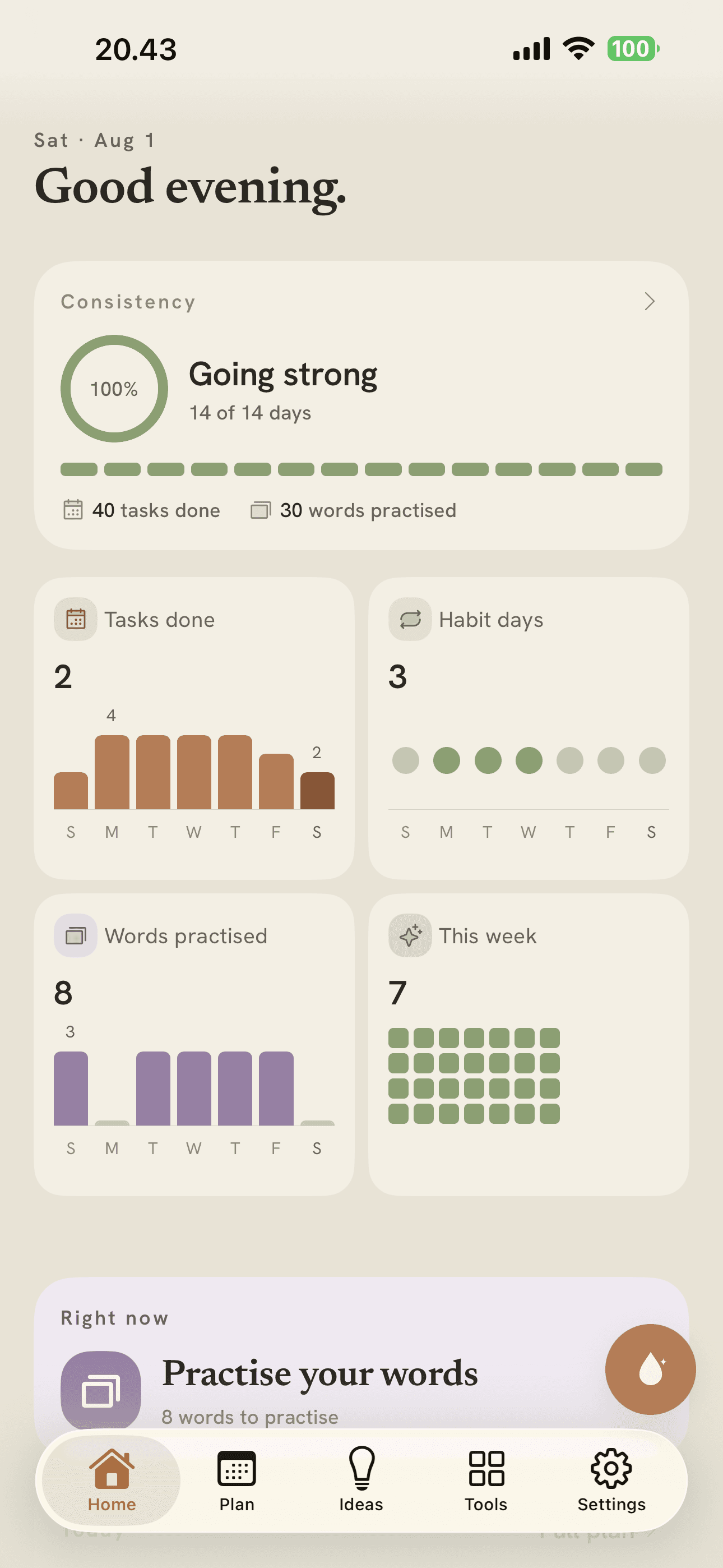
Vela gets you up, plans your day, holds your ideas, keeps the words you're learning, and guards the hours you'd rather not lose. Run all of it just by talking. No streaks. No guilt.
- No streaks
- No ads, no tracking
- Delete everything in a tap
A plan fails long before the list does.
You didn't miss the task because the task was badly written. You slept through the alarm, or the evening disappeared into a feed, or you never got a clear hour. So Vela holds those too — the alarm, the focus timer, the app limit — beside the plan they decide. One calm app, instead of five loud ones arguing.
Just say it. Vela does the rest.
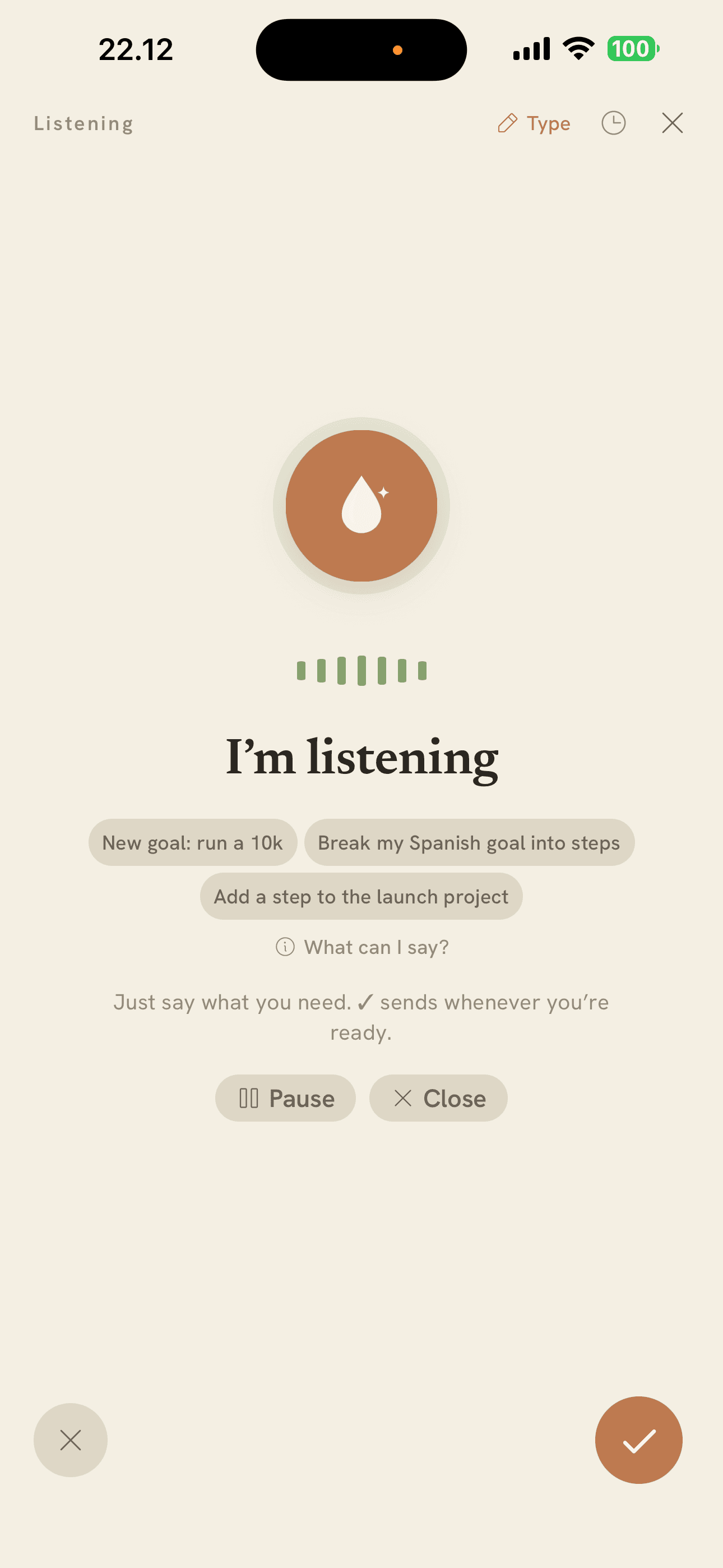
Tap the orb on any screen and talk. Say “turn my newsletter idea into a project and put the first step on Friday morning” and it does the whole thing in one breath — then shows you exactly what it changed.
- It acts, it doesn't just transcribe — tasks, habits, projects, ideas and words
- Dates and times in your own words: “Friday morning”, “from seven to two”
- Every action shows you what it did, with Undo one tap away
- Works from any screen — the orb sits on every tab
A day that doesn't fight back.
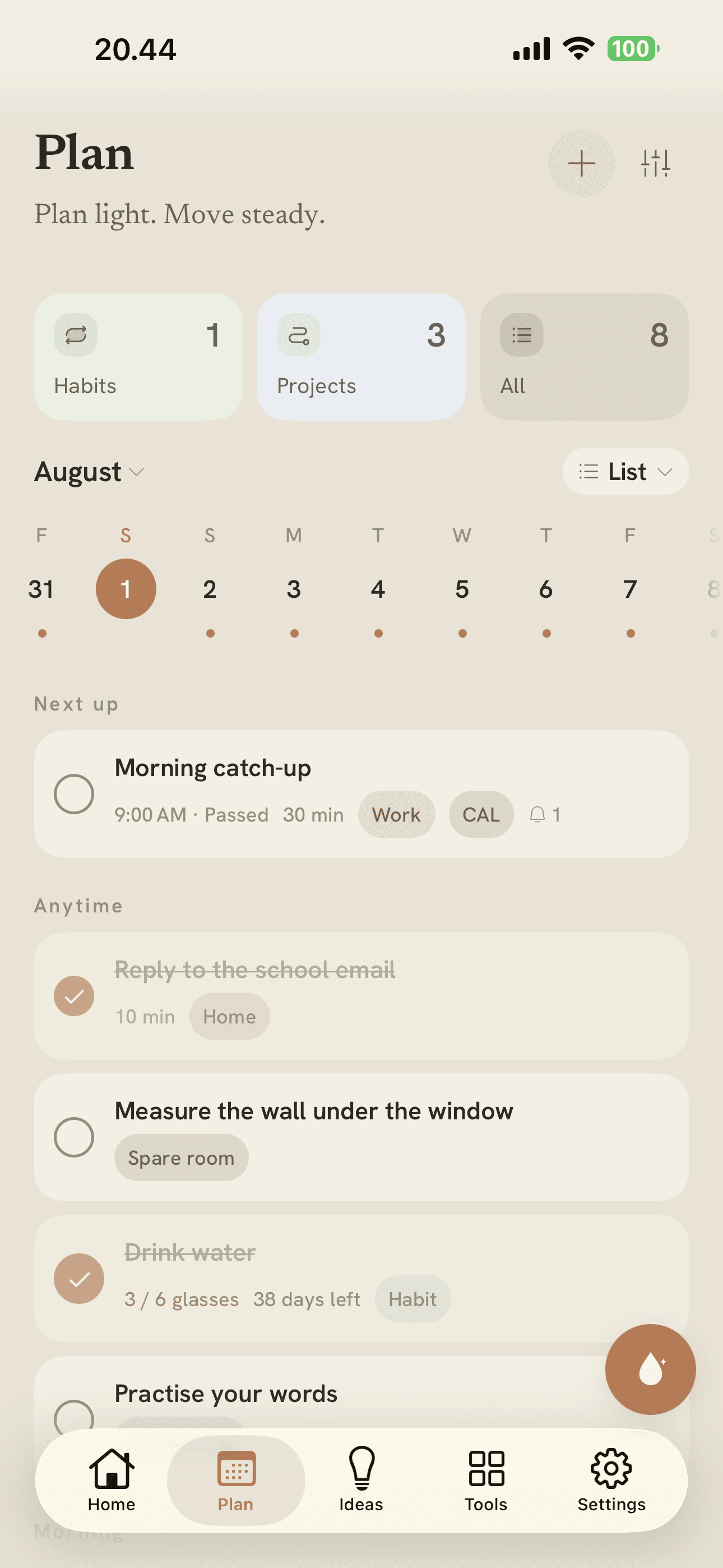
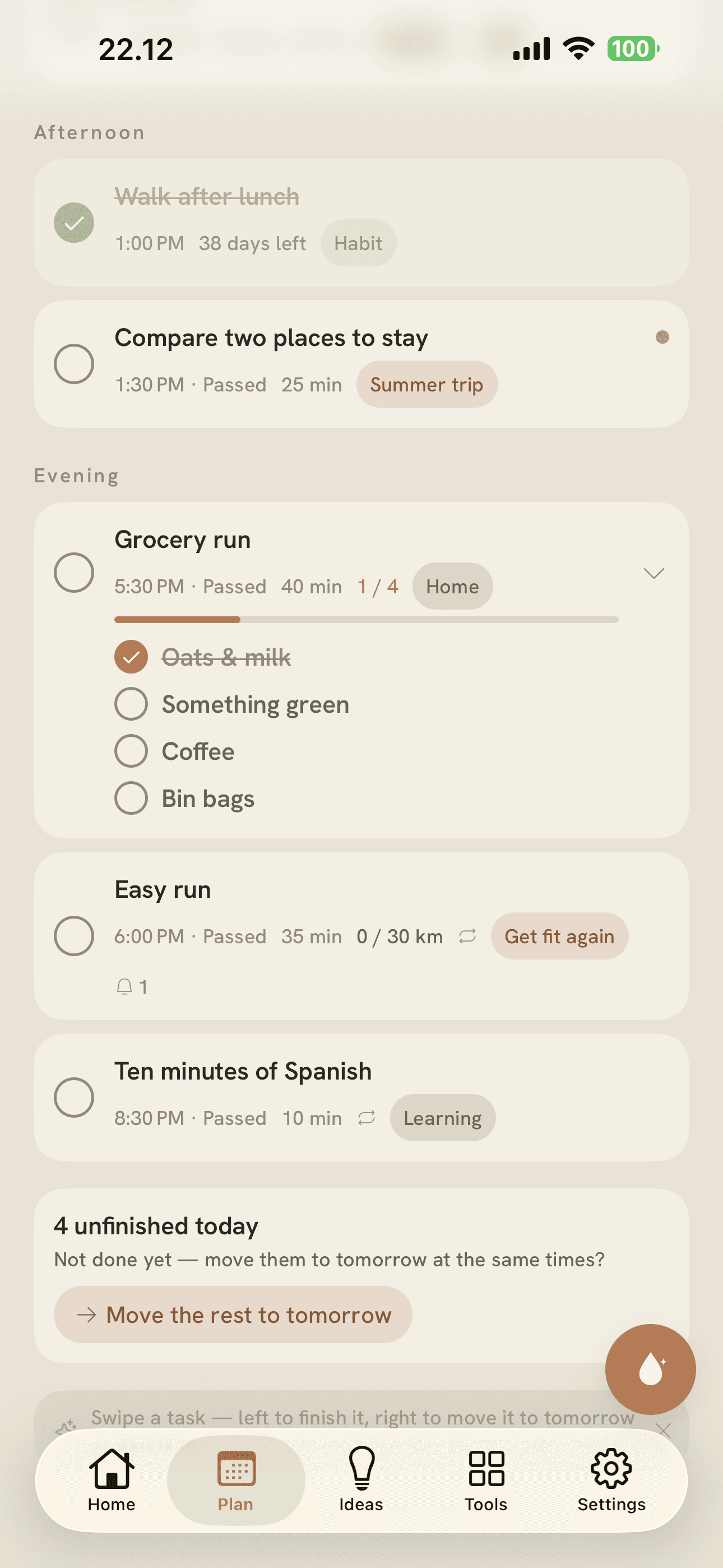
Tasks and calendar events in one place, with gentle reminders and habits you keep as a soft floor rather than a streak. Big things become projects made of small steps, so the next move is always obvious and never the whole mountain.
Nothing turns red. A plan should carry you, not scold you.
Catch it before you lose it.
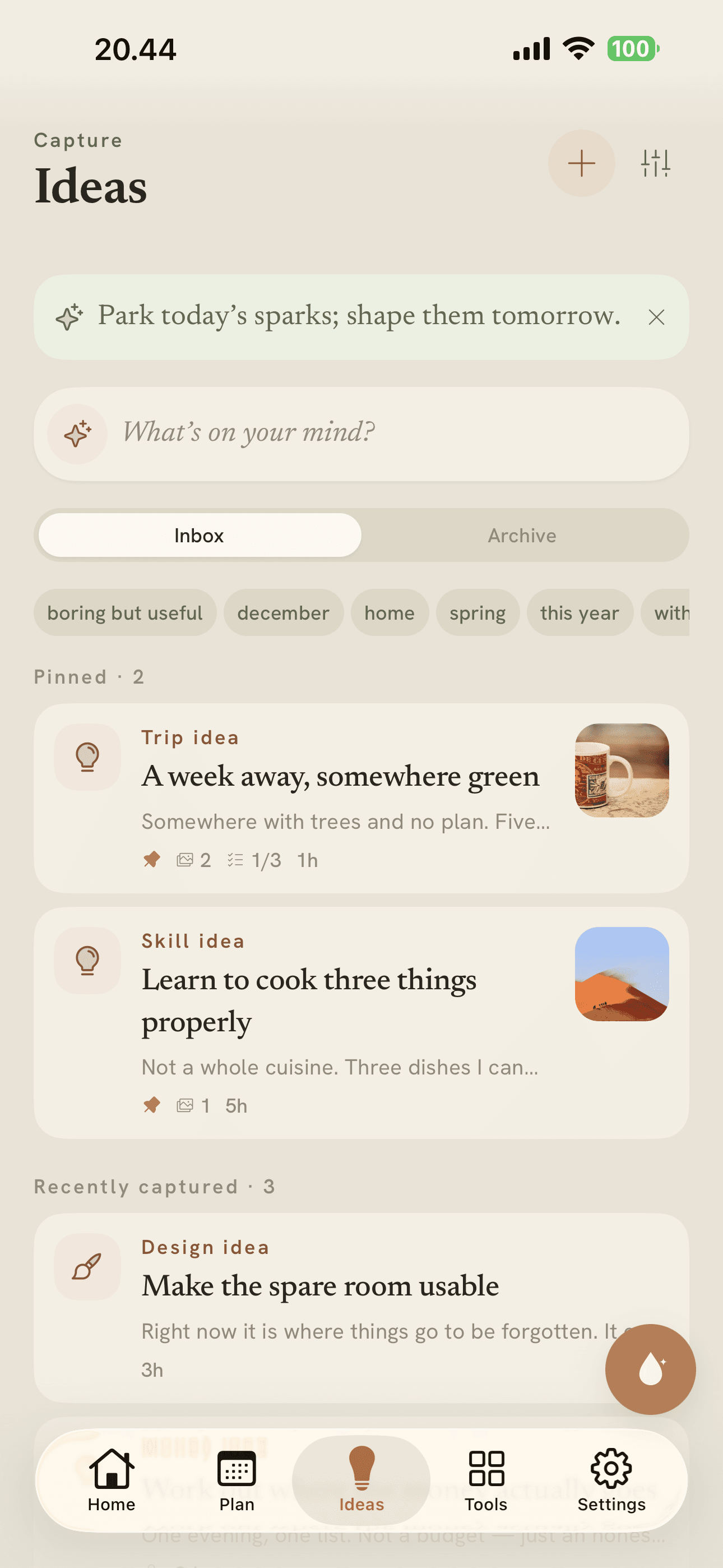
A capture-first place for sparks — a line of text, a photo, a link. Get it down rough while you still have it, and let Vela reshape it into something clear when you come back. When an idea turns out to be real, it becomes a project without being retyped.
The four that decide whether the plan happens.
Each one opens its own screen, and you can turn any of them off if it isn't yours.
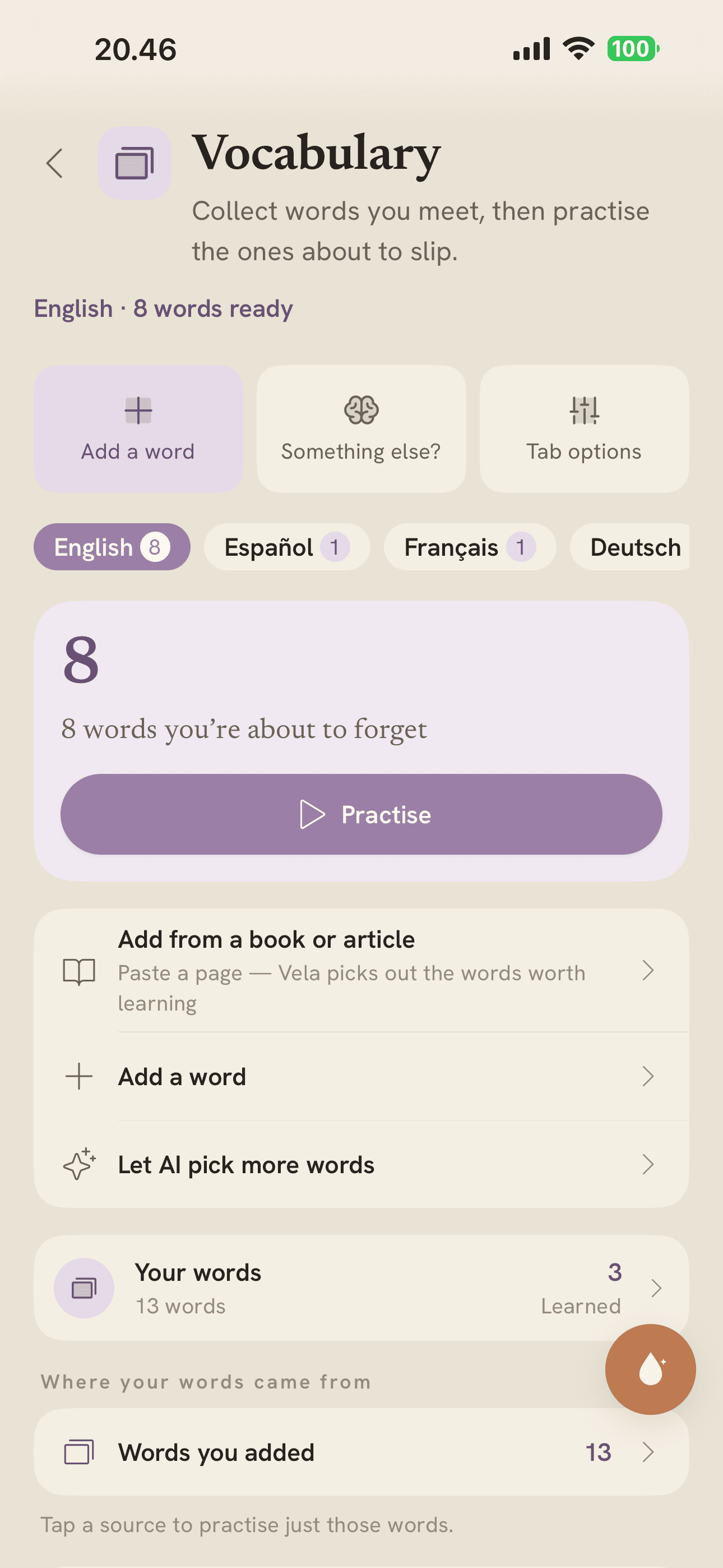
Save a word from anywhere. Vela writes a plain-language meaning and a real example, says it out loud, and brings it back to practise on the days it actually helps — spaced out, never crammed.
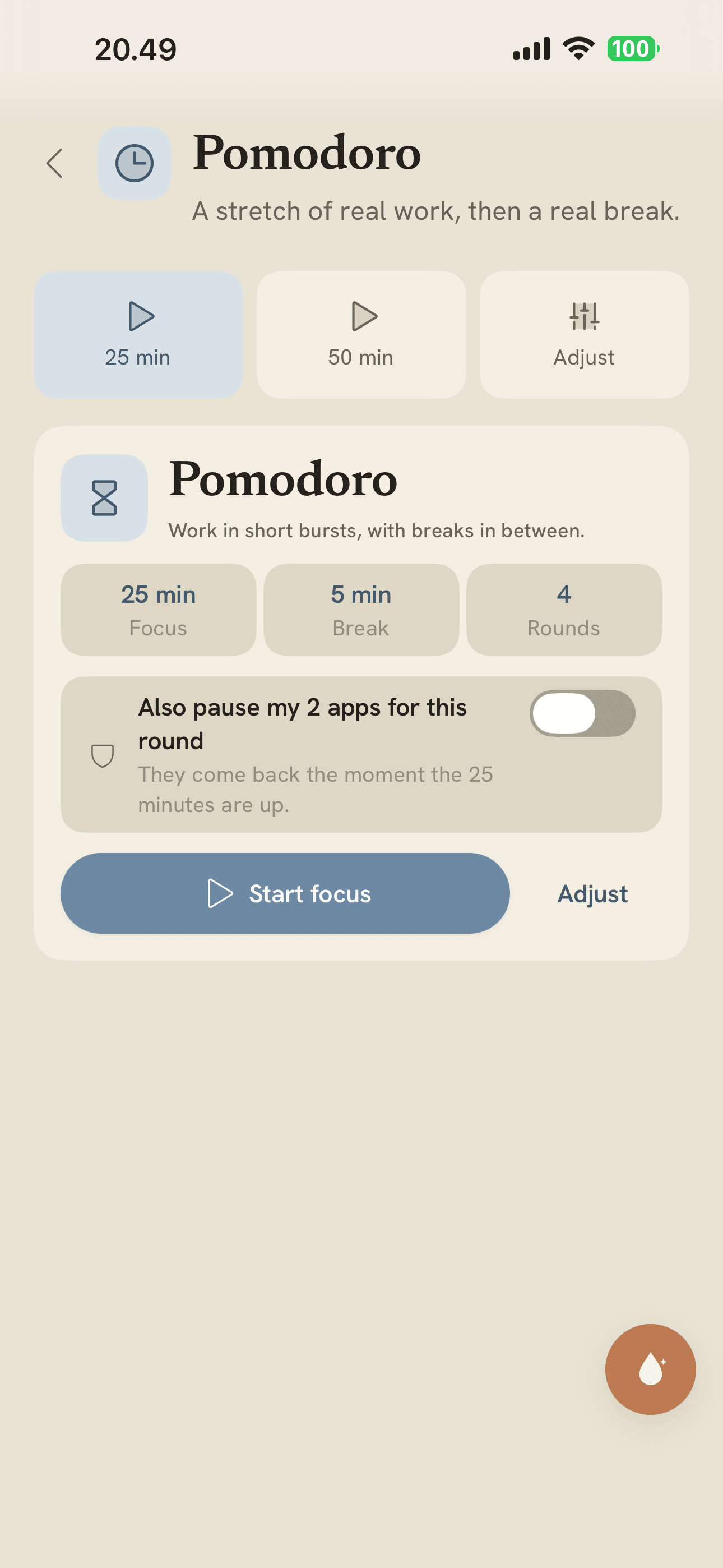
Work in one stretch, then rest. A quiet 25-minute timer with breaks that arrive on their own, and a record of the hours you actually focused.
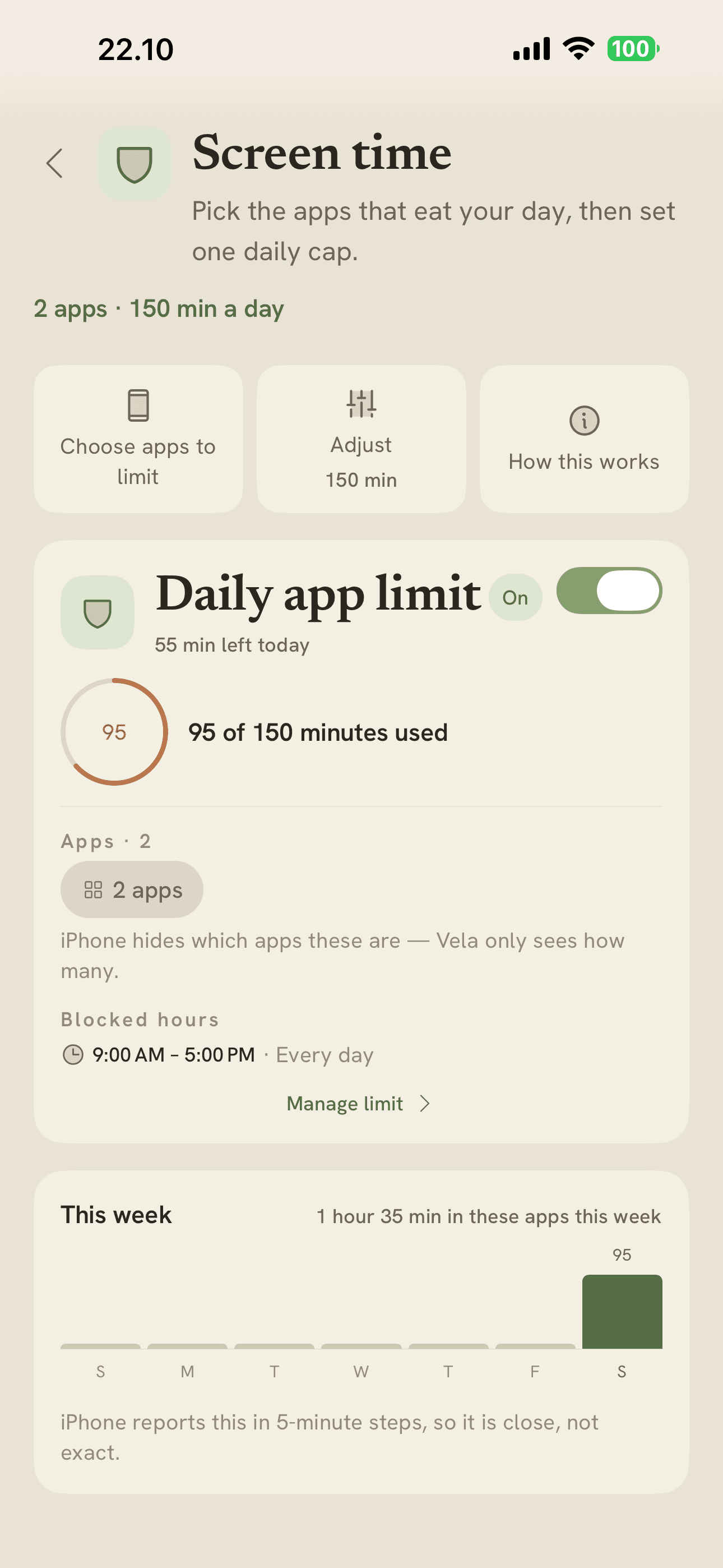
Set a daily limit on the apps that eat your evening, enforced by Apple's own Screen Time. Vela never sees what you do in them — the blocking happens on your device.
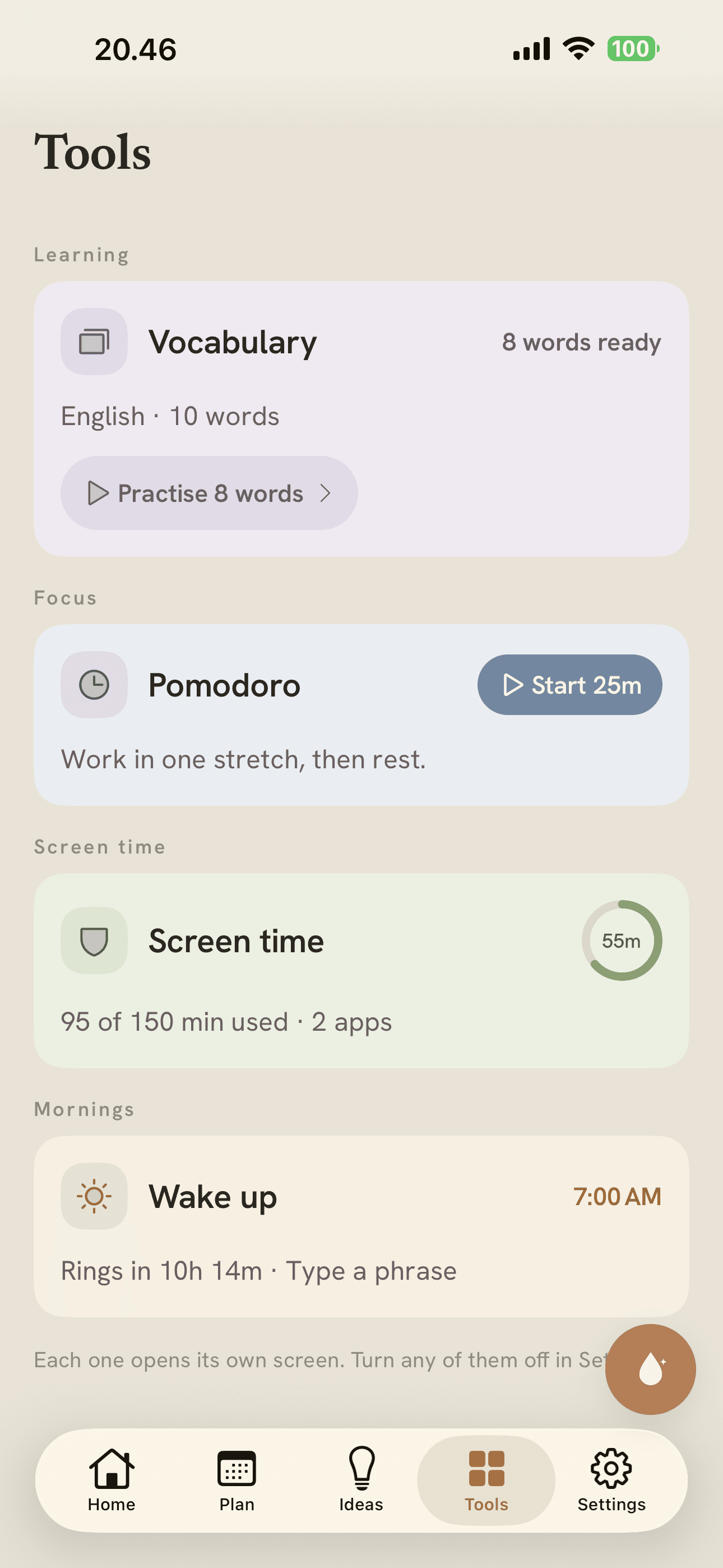
A real system alarm that rings through Silent and Focus, and won't stop for a tap. Type a phrase, count steps, or do push-ups — then it lets you go.
Every screen, calm by design.
Real screens from the app — warm paper, no outlines, nothing shouting for attention.
Speaks four languages, reads right-to-left.
The interface ships in English, Spanish, Arabic and Danish — Arabic laid out properly, right to left, not mirrored as an afterthought. More are on the way. Vocabulary works in any language you like.
Simple membership. Cancel anytime.
One membership unlocks all of Vela — the plan, ideas, voice, and every tool in the hub. No add-ons, no tiers, nothing held back.
Weekly
Dip in and see how it feels.
- Everything in Vela
- Cancel anytime
- No lock-in
Annual
About $6.67 a month, billed yearly.
- Everything in Vela
- Saves about 33% against monthly
- Cancel anytime
Monthly
Month to month, no commitment.
- Everything in Vela
- Cancel anytime
- No lock-in
No free trial. Prices shown in USD; your local price is set by the App Store. Subscriptions renew automatically until cancelled, and you can cancel any time in your App Store account.
Questions, answered.
Anything else? Email daryankamalifar@gmail.com.
Is there a free trial?
What makes it different from another to-do app?
Do I have to keep a streak?
Can I really run it by voice?
What languages does Vela speak?
How does the alarm stop me sleeping through it?
Is my data private?
Start when you're ready.
Join the early-access list and we'll send one warm note when it's your turn. Tick the box to help test it first.